 Bumblly
Remutto guide
How to turn on a TV without the remote
Turning a TV on is the one thing a phone is worst at. A TV that is off often has its network off too, and a phone cannot send infrared. Here is the honest picture: the button that always works, the settings that let a phone wake the TV, and what no app can do.
We make Remutto, one of the apps in this guide. We start with the free options from the TV makers, and we say where each one falls short.
Quickest
The power button on the TV
Many TVs have a button on the set. On Samsung TVs it sits at the bottom center or bottom right, usually where the small red light is. Press it to turn the TV on or off (Samsung Support). On LG TVs, press the button once to turn the TV on, and press and hold it to turn it off (LG Support). For other brands, the manual shows where it is.
Why
Off is not always off
A TV can be off in two ways:
- Standby: the screen is dark, but the TV is plugged in. Depending on its settings, part of it can stay on the network.
- Fully off: the TV is unplugged, or the power strip is switched off. Nothing can reach it.
A phone app can only wake a TV in standby that kept its network on. Samsung and LG both have a setting for that, which you have to turn on in advance.
Settings
Settings that let a phone wake the TV
- Samsung: Power On with Mobile. On 2022 and newer models under Settings > All Settings > Connections > Network > Expert Settings; on 2017 to 2021 models under Settings > General > Network > Expert Settings (Samsung Support).
- LG: TV On With Mobile. LG says TVs with webOS 3.5 and later can be turned on from the ThinQ app. On webOS 6.0 the setting is under All Settings > Devices > External Devices (LG Support).
- Roku TV: Fast TV Start, under Settings > System > Power. Roku notes it uses more power than normal standby (Roku Support).
- Other brands often have a similar option in their network settings. The TV's manual names it.
Turn these on while you can still reach the TV's menus, with the remote or the button on the TV.
Wake-on-LAN
What a phone app can and cannot do
Wake-on-LAN is a small network message that asks a sleeping device to wake up. It only helps when the TV listens for it in standby. Here is exactly what Remutto does:
- Remutto on Android sends a Wake-on-LAN signal to Samsung, LG, Roku, Sony, Panasonic and Philips TVs. It needs the TV's hardware (MAC) address, which it learns during an earlier connection, so it works for TVs Remutto has connected to before.
- Remutto on iPhone sends the TV's own power key. That works only while the TV still answers on the network. It does not send Wake-on-LAN to these TVs.
- Google TV and Fire TV boxes: Remutto sends the box's own power key, on both platforms. That also needs the box to still answer on the network.
- Chromecast: Remutto's Wake TV button asks the Chromecast to switch the TV on through HDMI-CEC, if the Chromecast stays powered.
What no app can do: switch on a TV that is unplugged, on a switched-off power strip, or whose network sleeps. Not Remutto, and not any other Wi-Fi app. And a phone cannot act like a classic infrared remote: Apple's spec list for iPhone 17 names no infrared emitter (Apple).
HDMI-CEC
Let another device switch the TV on
HDMI-CEC links a TV and the devices connected to it by HDMI. Samsung calls it Anynet+. Samsung says that when you turn on the TV, connected devices can turn on too (Samsung Support). It may also work the other way: if you still have the remote of a streaming box or a game console, turn that device on and see whether the TV follows.
In practice
A simple routine without a remote
- Turn the TV on with its button.
- Open a remote app on your phone for everything else.
- Turn on your TV's setting for waking by phone, so next time the phone can do the first step too.
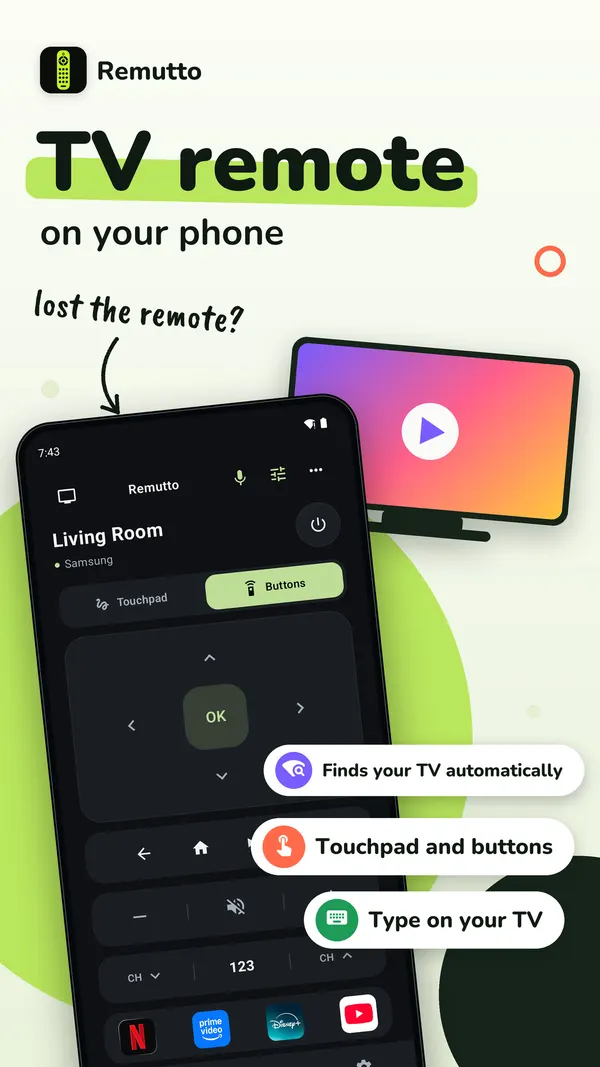
Remutto needs no account. After your first connection, the whole remote is free for 3 minutes. After that, 5 basic presses a day stay free: power, volume, mute, the arrows, OK, Back and Home. They come back at midnight. Remutto Pro unlocks the whole remote with no daily limit, plus the keyboard, touchpad, play and pause, channel buttons, app shortcuts, input switching and more TVs. Pro is a one-time purchase, not a subscription. The App Store or Google Play shows your price before you buy.
TV commands go from your phone straight to the TV over your home network. There is no account and no Bumblly server in between. See the Remutto privacy policy.
FAQ
Questions
Can I turn on my TV with my phone?
Sometimes. The TV must keep its network on in standby, with the right setting on, such as Power On with Mobile on Samsung. A TV that is unplugged cannot be reached.
Why can't my iPhone turn on my old TV?
An iPhone cannot send infrared, and an old TV without a network connection only listens to infrared. Use the button on the TV.
What is Wake-on-LAN?
A small network message that asks a sleeping device to wake up. It works only when the TV listens for it in standby.
Does keeping the network on in standby use more power?
It can. Roku, for example, says Fast TV Start uses more power than normal standby.
Where is the power button on my TV?
On Samsung TVs at the bottom center or bottom right, usually near the small red light. On other TVs, the manual shows where.
Get Remutto
Your phone as a Wi-Fi TV remote
Remutto finds your TV on your home Wi-Fi and works without an account. After your first connection the whole remote is free for 3 minutes; after that, 5 basic presses a day stay free. Remutto Pro unlocks everything with one payment, no subscription.
All Remutto guides · Lost TV remote · Samsung TV without the remote · LG TV without the remote
Sources
Sources
We link to the pages behind every statement about another app or device. They can change after the date we checked them.
- How to Control a Samsung TV without a Remote, Samsung Support (Australia). Last updated October 7, 2026. Checked November 14, 2026.
- How to operate LG TV functions using the buttons on the LG TV product, LG Support (UK). Page dated 08/05/2026. Checked November 14, 2026.
- Power on your TV with the SmartThings App, Samsung Support (Australia). Checked November 14, 2026.
- LG TV: How to Set Up the LG ThinQ App on Your LG Smart TV, LG Support (USA). Page dated 07/23/2024. Checked November 14, 2026.
- How to keep audio playing while your Roku TV screen is turned off, Roku Support. Last updated June 30, 2026. Checked November 14, 2026.
- iPhone 17 - Technical Specifications, Apple. Checked November 14, 2026.
- Understanding Anynet+ (HDMI-CEC) on your Samsung TV, Samsung Support (Canada). Last updated April 14, 2026. Checked November 14, 2026.