 Bumblly
Remutto guide
Lost your TV remote? What to do, for any brand
The remote is gone and the TV is waiting. Before you buy a new one, there are four ways to keep watching today. Which one works depends on your TV. Here they are, from quickest to last resort.
We make Remutto, one of the apps in this guide. We start with the free options from the TV makers, and we say where each one falls short.
Look first
Five minutes of searching
Between the couch cushions, under the couch, in a coat pocket, in the laundry, in the fridge. Ask someone else to look: fresh eyes find things faster. Then move on to the options below.
Option 1
Use the buttons on the TV
Many TVs have a button on the set. On Samsung TVs it sits at the bottom center or bottom right, and a press opens a small control menu (Samsung Support). LG TVs have a button that turns the TV on and off and opens a menu; on some models it moves in four directions for volume and channels (LG Support). For other brands, the TV's manual shows where the button is.
The buttons are fine for power, volume and the input. Menus and apps are slow this way.
Option 2
Use your phone over Wi-Fi
If your TV is a smart TV, or has a streaming device such as a Roku or a Fire TV Stick, your phone can be the remote. Phone and TV must be on the same Wi-Fi. The TV makers have free apps:
- Samsung: SmartThings. Samsung says a Samsung account is required (Samsung Support).
- LG: LG ThinQ. LG's setup includes signing in with an LG account (LG Support).
- Roku: the Roku remote app. Some features may need a Roku account, and it is offered in a list of countries (Roku Support).
- Fire TV: Amazon's Fire TV app. Its listing names an Amazon account as a requirement (App Store listing).
- Google TV and Android TV: the Google TV app. You enter a code shown on the TV (Android TV Help).
- Apple TV: the Apple TV Remote in Control Center on iPhone. Apple says it works with Apple TV 4K, Apple TV HD and AirPlay-compatible smart TVs (Apple Support).
A universal app such as Remutto controls several brands from one app, without an account. See how to use your phone as a TV remote, and our comparison of the best TV remote apps for iPhone.
Option 3
Use another remote through HDMI-CEC
Lost the remote of the streaming box, but the TV remote still works? HDMI-CEC lets the TV remote control devices connected by HDMI. Samsung calls it Anynet+ and says it is usually on by default on newer models (Samsung Support). Other brands use other names for the same thing.
Limits
When a phone cannot help
- The TV has no network connection. Older TVs only listen to infrared. An iPhone cannot send infrared: Apple's spec list for iPhone 17 names no infrared emitter (Apple).
- The TV or box is not on your Wi-Fi yet. After a new router, a phone app cannot find it. You need a remote once to connect it.
- The TV is fully off. Unplugged TVs cannot be reached. Use the button on the TV. See how to turn on a TV without the remote.
Option 4
Get a replacement remote
Note the model number on the label of the TV or the streaming device first. Then you can order the original remote for that model, or buy a universal remote and set it up for your brand. Until it arrives, the buttons on the TV and your phone keep you going.
Remutto
Remutto in short
Remutto turns your iPhone or Android phone into a remote for Samsung, LG, Roku, Fire TV, Google TV, Apple TV and more, over your home Wi-Fi. It finds your TV by itself. Some TVs ask you once to allow the phone or to type a code. After that, Remutto reconnects when you open it.
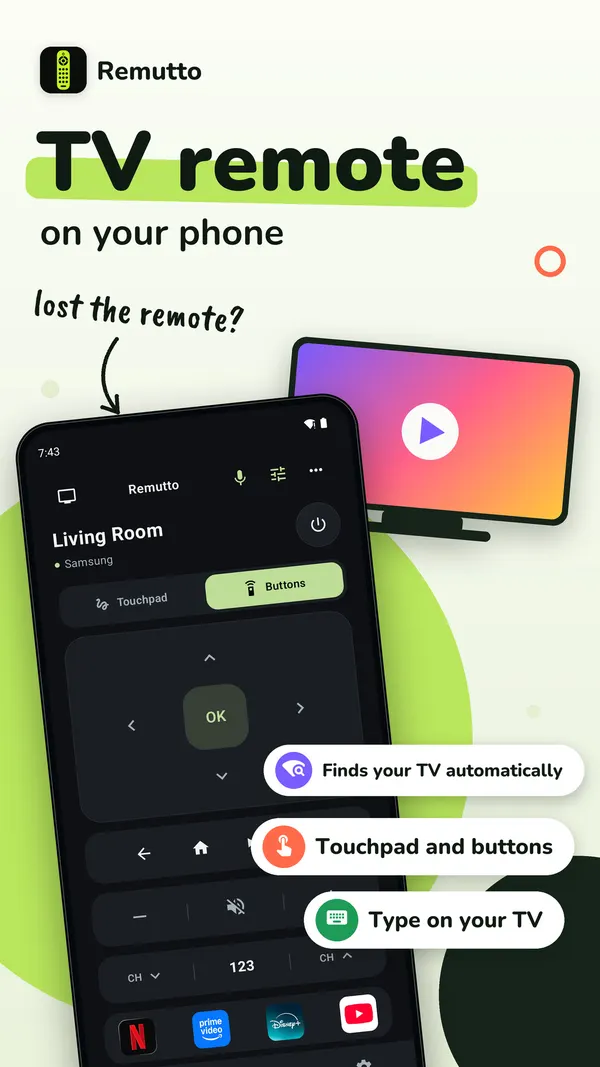
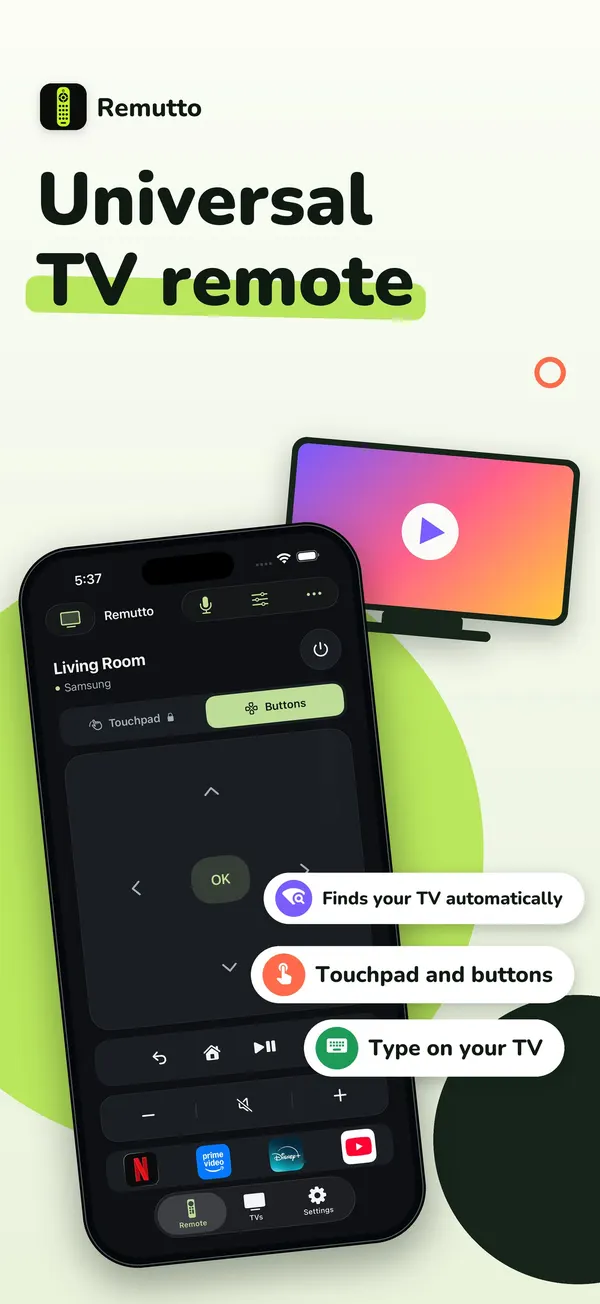
Remutto needs no account. After your first connection, the whole remote is free for 3 minutes. After that, 5 basic presses a day stay free: power, volume, mute, the arrows, OK, Back and Home. They come back at midnight. Remutto Pro unlocks the whole remote with no daily limit, plus the keyboard, touchpad, play and pause, channel buttons, app shortcuts, input switching and more TVs. Pro is a one-time purchase, not a subscription. The App Store or Google Play shows your price before you buy.
TV commands go from your phone straight to the TV over your home network. There is no account and no Bumblly server in between. See the Remutto privacy policy.
FAQ
Questions
What is the fastest way to use my TV without the remote?
The button on the TV for power, volume and the input. For menus and apps, a remote app on your phone, on the same Wi-Fi as the TV.
Can my iPhone be a TV remote?
Yes, for smart TVs and streaming devices on your Wi-Fi. An iPhone cannot send infrared, so it cannot control a TV without a network connection.
Do my phone and TV need the same Wi-Fi?
Yes. The app finds the TV on your home network. A guest network or a VPN on the phone can hide the TV.
My TV is old and has no Wi-Fi. What can I do?
Use the buttons on the TV, and get a replacement or universal remote. No phone app can control a TV that has no network connection.
Is Remutto free?
Partly. After your first connection the whole remote is free for 3 minutes. Then 5 basic presses a day stay free. Remutto Pro unlocks everything with one payment, no subscription.
Get Remutto
Your phone as a Wi-Fi TV remote
Remutto finds your TV on your home Wi-Fi and works without an account. After your first connection the whole remote is free for 3 minutes; after that, 5 basic presses a day stay free. Remutto Pro unlocks everything with one payment, no subscription.
All Remutto guides · Turn on a TV without the remote · Phone as a TV remote · Fire TV Stick remote lost
Sources
Sources
We link to the pages behind every statement about another app or device. They can change after the date we checked them.
- How to Control a Samsung TV without a Remote, Samsung Support (Australia). Last updated October 7, 2026. Checked November 14, 2026.
- How to operate LG TV functions using the buttons on the LG TV product, LG Support (UK). Page dated 08/05/2026. Checked November 14, 2026.
- LG TV: How to Set Up the LG ThinQ App on Your LG Smart TV, LG Support (USA). Page dated 07/23/2024. Checked November 14, 2026.
- How to install the Roku remote app, Roku Support. Last updated November 10, 2026. Checked November 14, 2026.
- Amazon Fire TV (app listing), Amazon, on the US App Store. Version 4.9.1. Checked November 14, 2026.
- Use your phone as the remote for your Android TV, Android TV Help. Checked November 14, 2026.
- Set up the Apple TV Remote on your iPhone or iPad, Apple Support. Published November 12, 2026. Checked November 14, 2026.
- Understanding Anynet+ (HDMI-CEC) on your Samsung TV, Samsung Support (Canada). Last updated April 14, 2026. Checked November 14, 2026.
- iPhone 17 - Technical Specifications, Apple. Checked November 14, 2026.