 Bumblly
Remutto guides
Guides: use your TV without the remote
Plain answers for the moment the remote is gone: how to use the buttons on the TV, how to turn the TV on, and how to make your phone the remote. Each guide starts with the free options from the TV makers.
Written by the people who make Remutto. Where we mention other apps or devices, we link to their own help pages.
Guides
All Remutto guides
- Free TV remote apps for iPhone: which ones are really free?
The free app for each TV brand, and what the free universal apps cost once installed.
- How to control a Samsung TV without the remote
The button on the TV, Samsung's SmartThings app, or your phone over Wi-Fi.
- How to control an LG TV without the remote
The button on the TV, a USB mouse, LG ThinQ, or your phone over Wi-Fi.
- Roku without a remote: use your phone instead
Roku's own app, Remutto, the setting that blocks phone apps, and when you still need a remote.
- Lost your Fire TV Stick remote? Here is what to do
Your phone over Wi-Fi, your TV remote through HDMI-CEC, or a new remote.
- Lost your TV remote? What to do, for any brand
Buttons on the TV, your phone over Wi-Fi, HDMI-CEC, and a replacement remote.
- How to turn on a TV without the remote
The power button, Wi-Fi apps and Wake-on-LAN: what works, and what cannot.
- How to use your phone as a TV remote
How a phone talks to a TV over Wi-Fi, which TVs work, and the steps.
More
More about Remutto and your TV
- Best TV remote app for iPhone: which one fits your TV?
Official brand apps and universal remote apps compared, with prices and privacy labels.
- Remutto for Samsung TVs
Setup and settings for Samsung smart TVs.
- Remutto for LG TVs
Setup and settings for LG webOS TVs.
- Remutto for Roku
Setup for Roku TVs and Roku streaming players.
- Remutto for Fire TV
Setup for Fire TV Sticks, Fire TV Cube and Fire TV smart TVs.
Other languages
Guides in German and Dutch
Deutsch
- Samsung Fernseher ohne Fernbedienung bedienen
- LG Fernseher ohne Fernbedienung bedienen
- Fernbedienung verloren: Was tun?
- Handy als Fernbedienung nutzen: So geht’s
Nederlands
Get Remutto
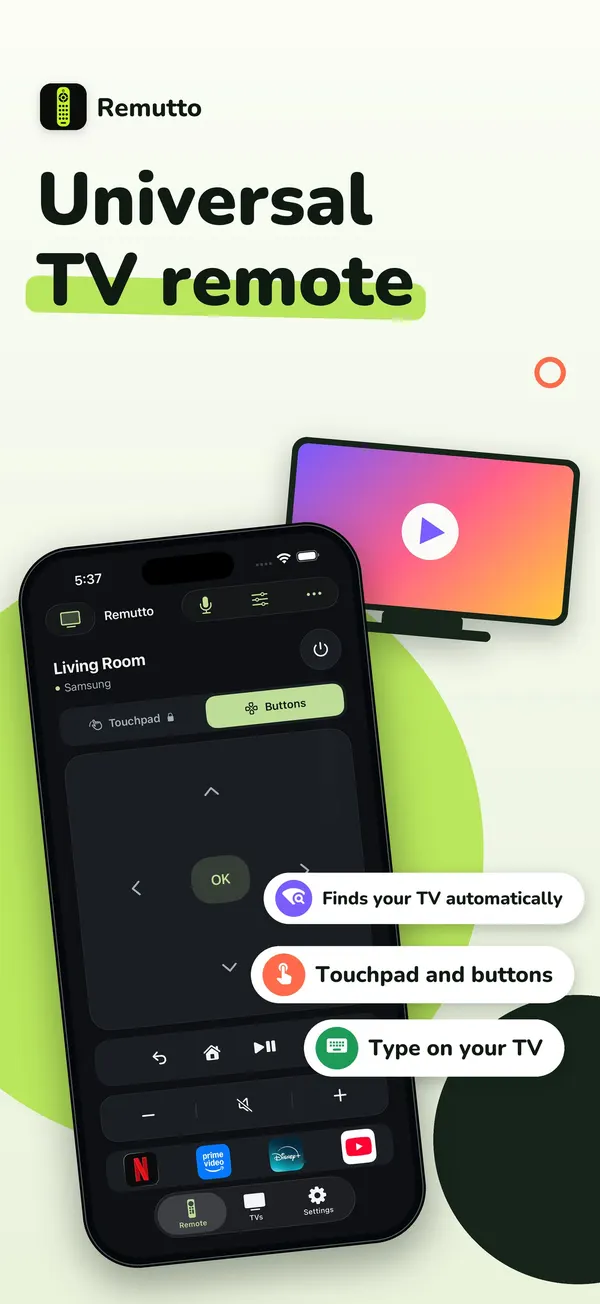
Your phone as a Wi-Fi TV remote
Remutto finds your TV on your home Wi-Fi and works without an account. After your first connection the whole remote is free for 3 minutes; after that, 5 basic presses a day stay free. Remutto Pro unlocks everything with one payment, no subscription.