 Bumblly
Naptara guide
A baby monitor app on two iPhones, or a dedicated baby monitor?
You have a spare iPhone in a drawer. Can it replace a baby monitor, or should you buy one? Both work, and each has weak spots. Here is an honest comparison, with the parts app makers often skip: Wi-Fi and battery.
We make Naptara, a baby monitor app. We tell you where a dedicated monitor does better too.
Short answer
The difference in one paragraph
A dedicated monitor is two units made for one job. Many talk to each other over their own radio link, without your Wi-Fi. A baby monitor app uses phones you already own and your home network, so it costs less and can let you check in from anywhere, but it depends on Wi-Fi, on the phones staying charged, and on the app staying open.
Side by side
Compared point by point
| Naptara on two iPhones | Monitor without Wi-Fi | |
|---|---|---|
| Cost | Free on the same Wi-Fi; Naptara Pro for watching from elsewhere | You buy the set |
| Connection | Your home Wi-Fi; from elsewhere over the internet | Its own radio link between the two units |
| Range | Anywhere your Wi-Fi reaches; away from home with internet and Pro | Up to the maker's range; not from outside the home |
| Power | Baby Station on the charger; your phone uses battery all night | Parent unit on its own rechargeable battery |
| Interruptions | Other apps and the system can interrupt or pause the app | Does one job |
| Extras | Two parents on their own phones, Apple Watch, cry alerts and talk-back with Pro | Depends on the model |
Wi-Fi
Honest about Wi-Fi
- If your Wi-Fi goes down, the picture stops. Naptara notifies the Parent Monitor when the connection to the Baby Station drops, so you know to go and look.
- Weak spots: a nursery at the far end of the house may have poor Wi-Fi. Test the picture there in the evening, before the first night.
- Guest networks and some routers keep devices apart. Then the two iPhones cannot find each other on their own; pairing with the six-character code works on any network.
- The other side: a monitor without Wi-Fi keeps working when the router is off. Infant Optics, for example, says its DXR-8 PRO needs no app or Wi-Fi, reaches up to 1,000 feet in line of sight, and cannot be watched from outside the home (product page).
Battery
Honest about battery
- The Baby Station must stay plugged in. Sending video all night empties any phone, and old phone batteries are often worn.
- Your own iPhone is the Parent Monitor. Watching or listening all night uses battery, so keep it on the charger. You keep listening with the screen locked.
- Naptara warns you on the Parent Monitor when the Baby Station battery drops to 15 %, when it stops charging, and when it gets warm.
- A dedicated parent unit runs on its own battery, so your phone stays free. Its battery wears too: Infant Optics sells a replaceable one (product page).
Privacy
Privacy
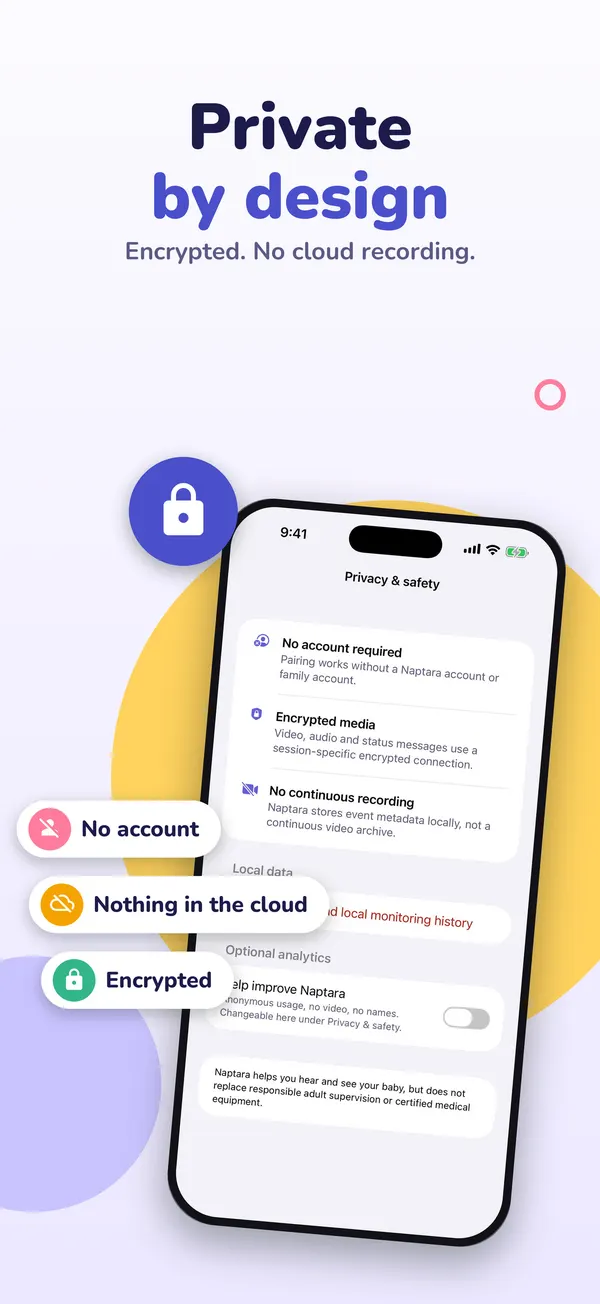
A monitor without Wi-Fi never touches the internet. With Naptara, video and sound are encrypted, on your home Wi-Fi and over the internet, there is no account, and Naptara does not store your video. When you watch from elsewhere, the stream does travel over the internet.
Choosing
Which one fits your home
Buy a dedicated monitor when:
- you have no spare phone or tablet;
- your Wi-Fi does not reach the nursery well;
- a babysitter or grandparent should use it without your phone;
- you never need to look from outside the home.
An app makes sense when:
- you have a spare iPhone with iOS 16 or later, which means an iPhone 8, iPhone X or newer (Apple Support), or a spare iPad or Android phone;
- both parents want to watch on their own phone at the same time;
- you sometimes want to check in from elsewhere.
Safety
Safety, whichever you choose
- Keep the monitor and its cords at least three feet from the crib, as the CPSC advises (CPSC).
- Neither kind is a medical device. The American Academy of Pediatrics says there is no evidence that home monitors, such as heart rate and oxygen monitors, lower the risk of SIDS, and warns against a false sense of security (AAP).
- Nothing replaces adult supervision.
More: baby monitor apps compared and an old phone as a baby monitor.
FAQ
Questions
Is a baby monitor app as reliable as a dedicated monitor?
It depends on your Wi-Fi and on keeping both phones charged with the app open. A dedicated monitor without Wi-Fi does not need your network. Test an app in your own home before you rely on it.
What happens if the Wi-Fi drops at night?
The picture stops. Naptara notifies the Parent Monitor when the connection to the Baby Station drops.
Does an app drain my phone's battery?
Yes, watching all night uses battery. Keep the Parent Monitor on the charger, and keep the Baby Station plugged in all the time.
Do I need a subscription?
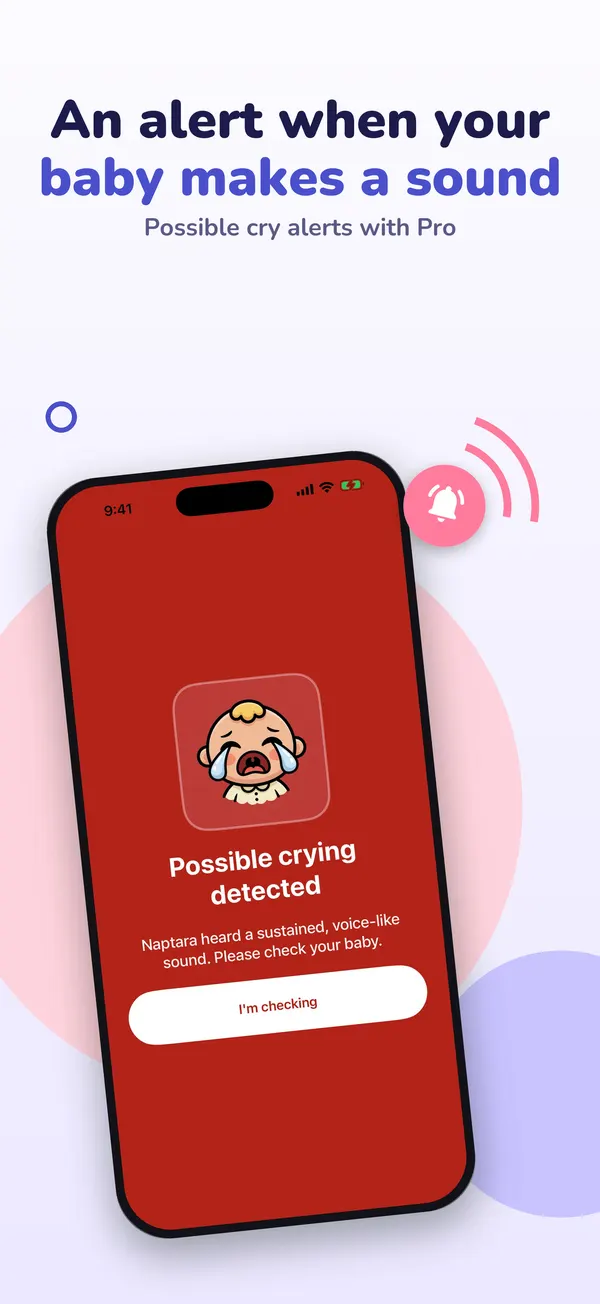
Not for watching at home: with Naptara, live video and sound on the same Wi-Fi are free. Watching from elsewhere and two-way talk are part of Naptara Pro.
Get Naptara
A baby monitor made from devices you already have
Naptara is free to download. At home on the same Wi-Fi you watch and listen without a subscription. Naptara Pro, a monthly or yearly plan, adds watching from anywhere and two-way talk. No account needed.
All Naptara guides · Baby monitor apps compared · Use an iPad as a baby monitor
Sources
Sources
We link to the pages behind every statement about another app, product or organization. They can change after the date we checked them.
- DXR-8 PRO Non-WiFi Baby Monitor, Infant Optics product page. Checked November 14, 2026.
- iPhone models compatible with iOS 16, Apple Support, iPhone User Guide. Checked November 14, 2026.
- Top tips: Safer spaces for baby (PDF), U.S. Consumer Product Safety Commission. Checked November 14, 2026.
- How to keep your sleeping baby safe: AAP policy explained, HealthyChildren.org, American Academy of Pediatrics. Last updated September 11, 2026. Checked November 14, 2026.